Detecting IMSI Catchers with Rayhunter
Detecting Cell-Site Simulators with Rayhunter
This afternoon my Orbic mobile hotspot showed up, and I decided to immediately try something I had been wanting to experiment with - installing Rayhunter, an open source project created by the Electronic Frontier Foundation (EFF).
Rayhunter is designed to help detect cell-site simulators, also known as IMSI catchers or Stingrays. These devices pretend to be legitimate cellular towers so nearby phones connect to them instead of the real network. Once connected, they can potentially collect identifiers from phones such as IMSI numbers or track the location of devices in the area.
Tools for detecting these devices used to require rooted phones or expensive software-defined radio equipment. Rayhunter takes a different approach by running directly on a small mobile hotspot and analyzing the cellular control traffic between the device and nearby towers.
After getting everything installed and letting it run for a bit, I figured I’d write up a quick post about the setup and how it works.
Quick Setup
Setup was honestly easier than I expected.
Once the Orbic arrived, I downloaded the Rayhunter release package, plugged the hotspot into my Linux machine, and ran the install script. The whole process took about five minutes from unboxing to running.
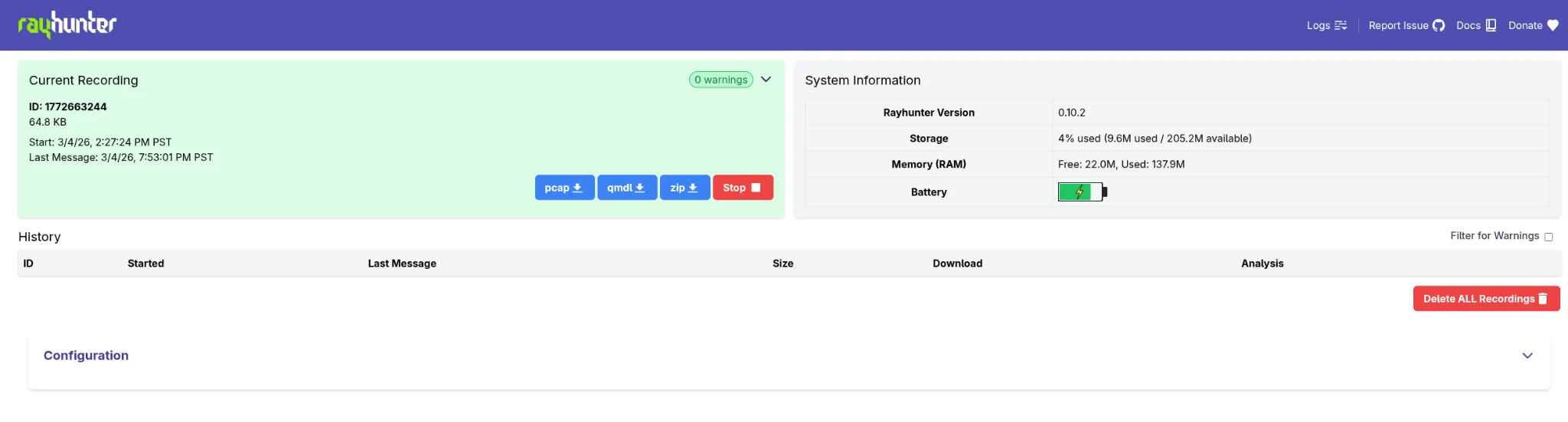
After installation, Rayhunter provides a simple web interface. When everything looks normal, a green bar appears at the top of the dashboard, indicating no suspicious activity has been detected.
If Rayhunter observes something unusual, like a tower attempting a suspicious downgrade or requesting sensitive identifiers - that bar will turn red, and the logs can be reviewed or downloaded directly from the web GUI.
Reviewing Logs
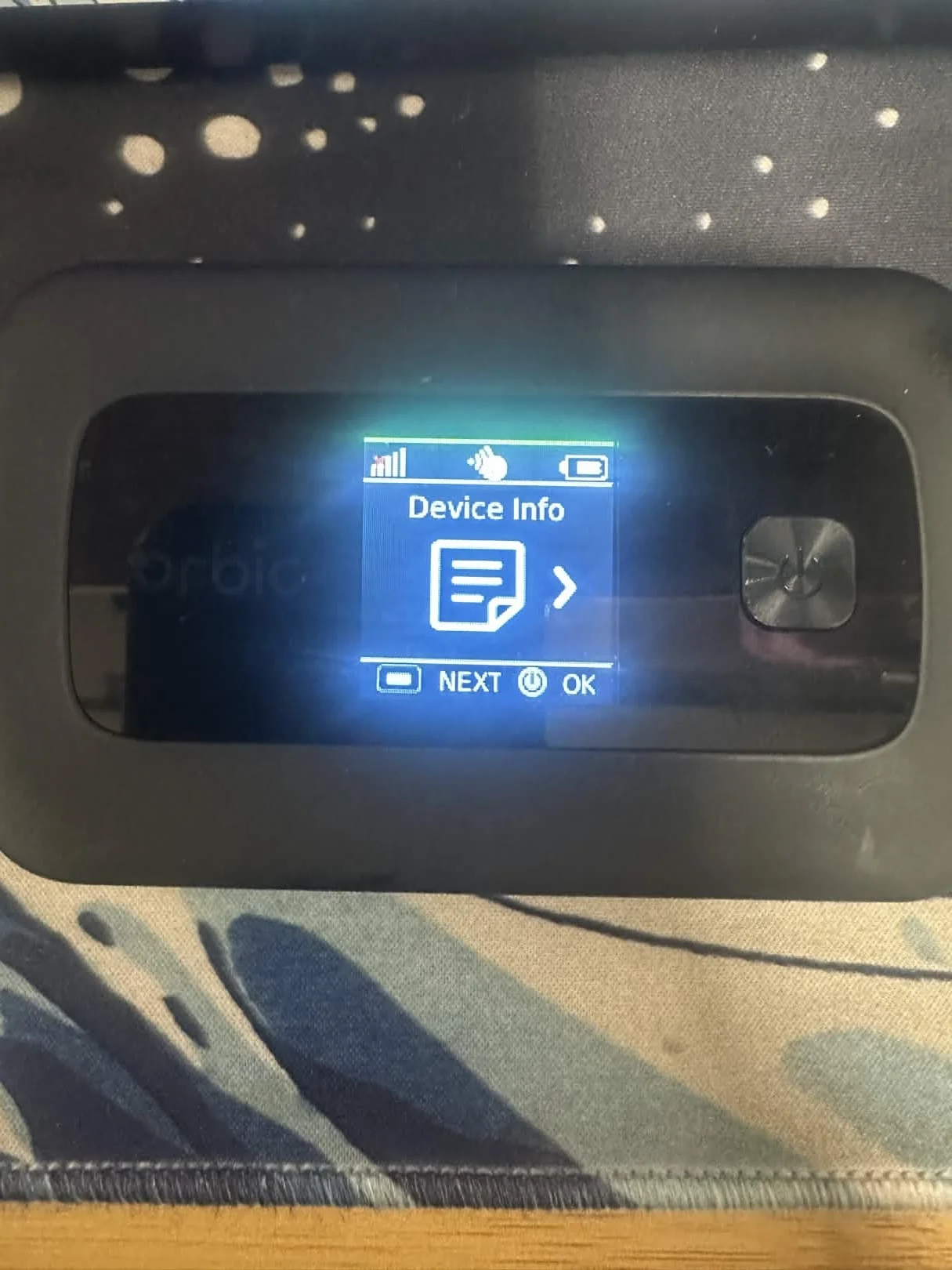
Rayhunter records the control traffic between the hotspot and nearby cellular towers. These logs can be downloaded directly from the interface.
The logs can also be exported as PCAP files, which means they can be analyzed later in tools like Wireshark or shared with researchers studying cellular network security.
This makes the device useful not just for detection, but also for collecting real-world data about how these systems behave.
Why I Added This to My Toolkit
For me, this device is less about paranoia and more about visibility.
It’s a small and inexpensive tool that lets you monitor what your cellular connection is doing in the background. If something unusual happens, the alert system makes it easy to review what occurred and investigate further.
Considering the Orbic costs around $20, it’s a pretty interesting addition to a privacy-focused toolkit or homelab setup.
Learn More
Rayhunter is an open source project developed by the Electronic Frontier Foundation (EFF).
If you’re interested in learning more or running your own device:
- https://github.com/EFForg/rayhunter
- https://www.eff.org/deeplinks/2025/03/meet-rayhunter-new-open-source-tool-eff-detect-cellular-spying
Credit to the Electronic Frontier Foundation (EFF) for developing and maintaining the Rayhunter project.